How to Upload and Manage Website Files Using cPanel
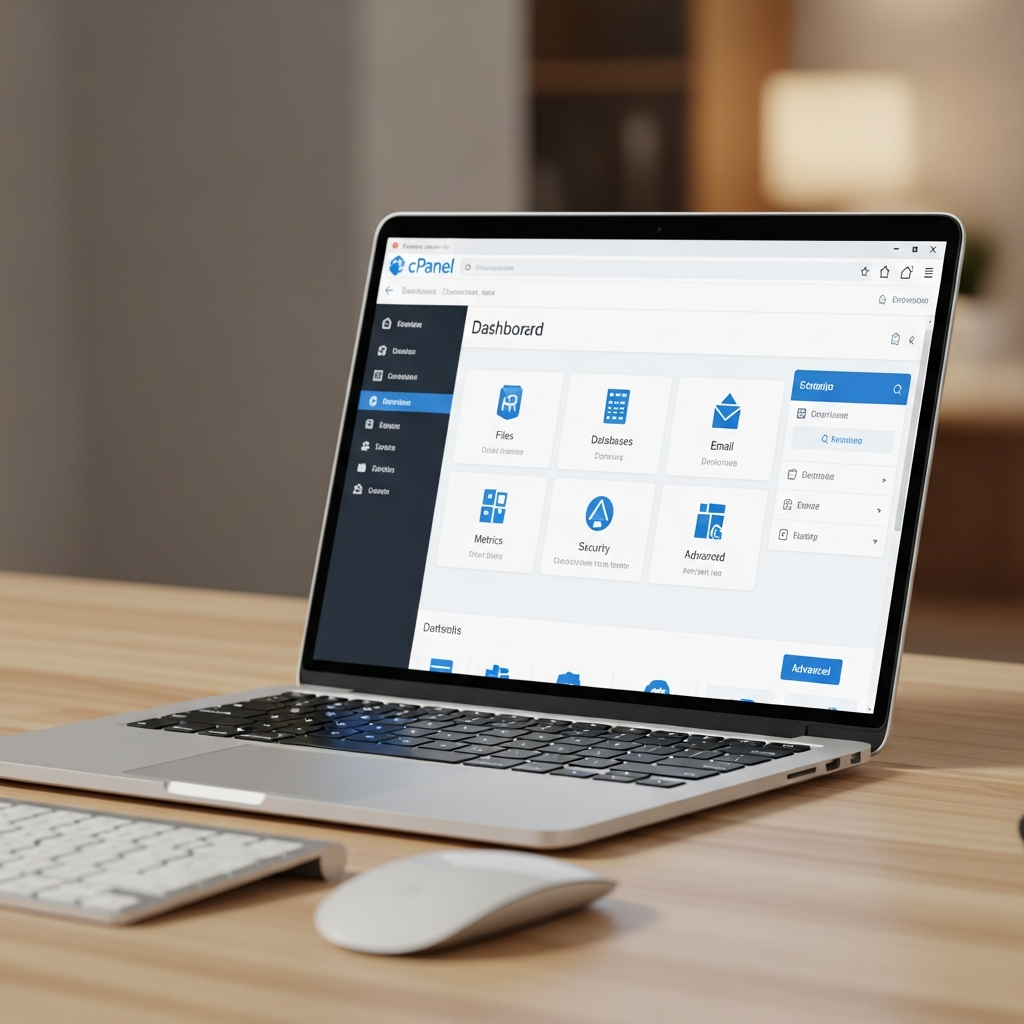
A Beginner-Friendly Guide for Fixotech CloudHost Users
Introduction
Behind every successful website is proper file management.
Whether you’re running a simple business website, a blog, or a full web application, knowing how to upload, organize, and edit your website files correctly is essential for performance, security, and stability.
With Fixotech CloudHost, managing your website files is easy using cPanel File Manager and FTP tools—even if you’re not a developer.
In this guide, you’ll learn how to:
-
Access your cPanel
-
Understand your website’s file structure
-
Upload and edit files safely
-
Avoid common mistakes that break websites
Accessing cPanel from Fixotech CloudHost
Getting started begins with logging into your hosting control panel.
Step-by-Step: How to Access cPanel
-
Log in to your Fixotech CloudHost dashboard
-
Navigate to My Services
-
Select your active hosting plan
-
Click Login to cPanel
You’ll be redirected to cPanel, where you can manage files, databases, emails, backups, and more.
Understanding File Manager Structure
Before uploading anything, it’s important to understand where your website files live.
What is public_html?
-
public_htmlis your website’s root directory -
All files you want visitors to see must be inside this folder
-
Your homepage is usually:
-
index.html -
or
index.php
-
Common Folder Structure
Inside public_html, you may see:
-
/css→ Stylesheets -
/js→ JavaScript files -
/images→ Image assets -
/uploads→ User or CMS uploads
Keeping files organized improves:
-
Site speed
-
Security
-
Maintenance
Uploading Website Files
Fixotech CloudHost gives you multiple ways to upload files depending on your needs.
Option 1: Upload Individual Files
Best for:
-
Single images
-
Small edits
-
Replacing specific files
Steps:
-
Open File Manager
-
Navigate to
public_html -
Click Upload
-
Select your files
Option 2: Upload ZIP Files (Recommended)
Best for:
-
Full websites
-
WordPress installs
-
Large file collections
Steps:
-
Upload your
.zipfile -
Right-click the file
-
Select Extract
ZIP uploads are faster, cleaner, and reduce errors.
Editing Files Safely in cPanel
cPanel includes a built-in editor for common web files.
Files You Can Edit
-
HTML → Page structure
-
CSS → Design & layout
-
PHP → Dynamic functionality
Important Safety Tip
Always create a backup before editing any file.
One wrong character in PHP can bring your site down.
Best practice:
-
Download the file first
-
Edit carefully
-
Save changes only when sure
Using FTP for Advanced File Management
For larger websites or frequent updates, FTP is the better choice.
Why Use FTP?
-
Faster uploads
-
Better for bulk files
-
Ideal for developers & agencies
FTP Credentials
You can find your:
-
Host
-
Username
-
Password
-
Port
Inside cPanel → FTP Accounts
Recommended FTP Clients
-
FileZilla (Windows & Mac)
-
WinSCP (Windows)
Common File Management Mistakes to Avoid
Many website issues come from simple mistakes.
- Deleting core files like index.php
- Uploading files outside public_html
- Setting wrong file permissions
- Editing live files without backups
Avoid these, and your website will remain stable and secure.
Conclusion
Proper file management is the foundation of a reliable website.
With Fixotech CloudHost, you get:
-
Easy cPanel access
-
Secure file tools
-
Beginner-friendly hosting support
Next:
Learn how to protect your website by reading our guide on How to Set Up Professional Email Accounts with Your Domain on Fixotech CloudHost.